Help center software
Help center software built from customer questions
Most help center software holds the articles your team guessed people would need. This one fills with the questions customers really ask. Your team answers each one once, and it becomes a page anyone can find.
Need an article editor? Keep your knowledge base for that. This is a customer Q&A forum that works as your help center, or sits beside the one you have.
7 days free. No card needed.
How it grows
How an FAQ page turns into a help center
Most teams start with an FAQ page on the website. Ten questions and ten answers cover a lot at first.
New questions arrive by email and chat. The page grows to forty rows, and people stop scrolling before they find theirs.
Each change needs someone who can edit the website. The answer sits in a support reply and never reaches the page.
Move to a place where customers can ask. Each answer becomes its own page, and the help center grows with every reply.
Search
Customers search, so search has to work
Few people read a long help page from the top. They type a few words and expect the answer.
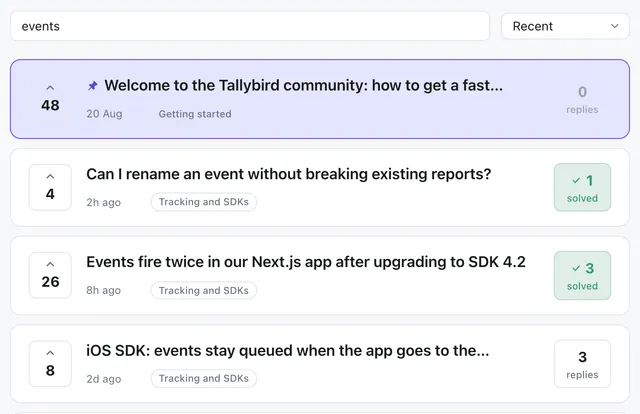
Search here covers the title and the details of every question. It also finds close word forms, so "export" finds "exporting". Answered questions show a solved badge in the results.
- No account needed to search or read
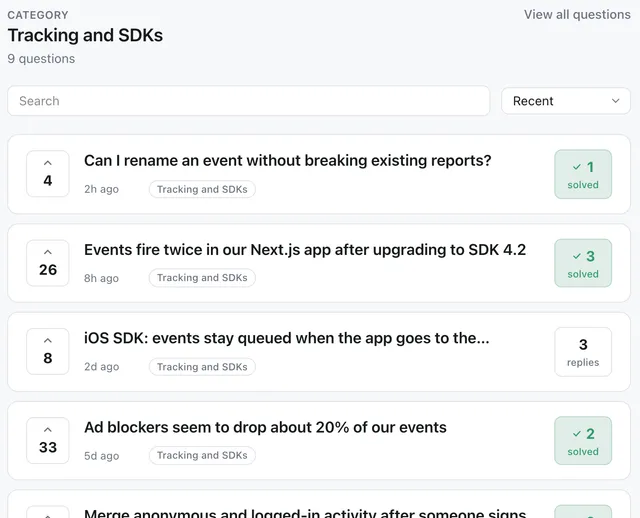
- Categories and tags for people who like to browse
- Each category is its own page with its own address
Your options
Three ways to run a help center
All three are public pages. Most teams end up with two of them.
| Feature | A static FAQ page | An article help center | Forumcat |
|---|---|---|---|
| Who writes it | Whoever can edit the website | Your team, before anyone asks | Customers ask, your team answers |
| How it grows | When someone remembers | When someone plans an article | With every new question |
| Can customers ask in it | No | Usually not | Yes |
| Search | The browser's find box | Built in | Built in, with solved badges |
| Tags that tell Google it is an answer | You add them by hand | Depends on the tool | Added to every answered question |
| Private cases | Nowhere to put them | Depends on the tool | Private questions and categories |
| Editor | Your website editor | A full article editor | No article editor. Questions and replies only |
Found in Google
Google can see which part is the answer
Every answered question carries QAPage data. That is a hidden tag that tells Google the page is a question with an answer. It is added for you.
Every forum also gets a sitemap, a list that helps Google find each page. We make the pages easy to read and index. We cannot promise where they rank.
How search engines read your forum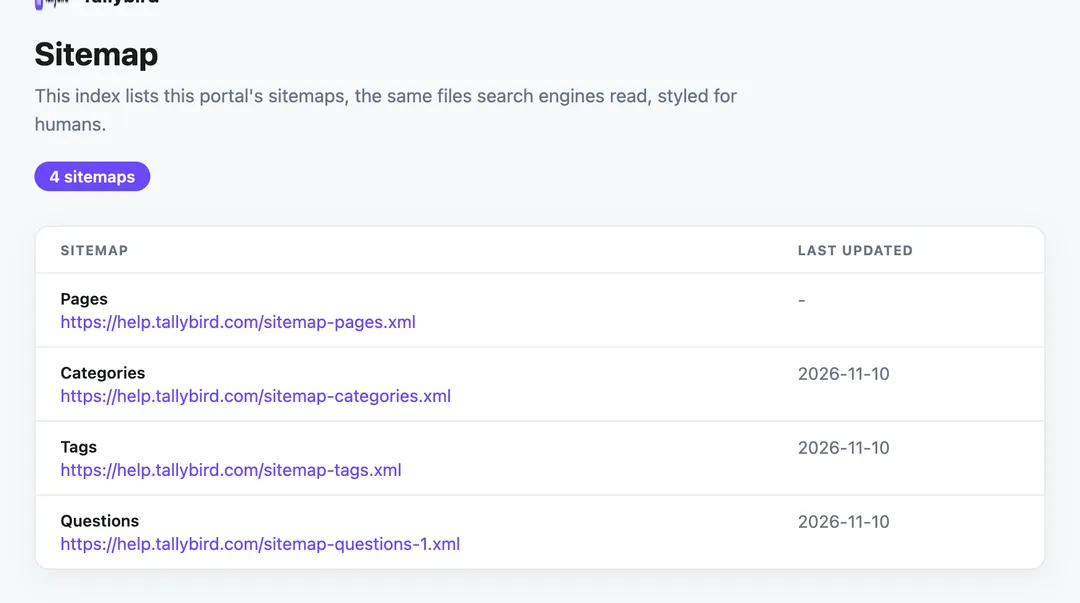
Day one
Start with the FAQ you already have
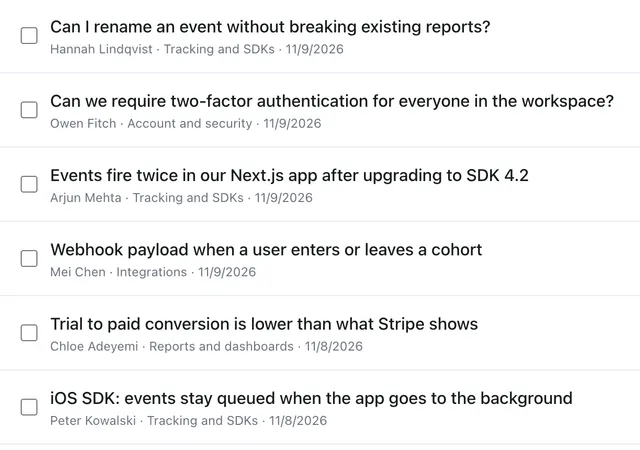
You do not need a blank page on day one. Post the questions from your current FAQ page, and answer them. That gives customers something to find from the first visit.
Then link the help center from your website, your app and your support replies. New questions fill in what the old FAQ never covered.
There is no FAQ widget
Many teams look for an FAQ widget to drop into their site. We do not have one. Your help center lives at its own address, and you link to it.
There is no importer either. Long guides belong in your docs or knowledge base, so link the two together.
FAQ
Help center questions we get
Is there an FAQ widget we can embed on our site?
No. The help center is a full site on its own address. Put a link to it in your site header, your app menu and your email footer.
What is FAQ schema, and do we have to add it?
It is hidden markup that tells Google which text is the question and which is the answer. You never add it here. Each answered question gets QAPage data, the Q&A version of that markup, on its own.
We already have a knowledge base. Do we need this too?
Keep the knowledge base for guides your team plans. Use this for the questions customers ask that the guides miss. The searches with no results show you which guides to write next.
Should a small team use its help desk's help center instead?
It may cost less. Zendesk Suite Team is $55 per agent a month, billed yearly, and includes a help center. Intercom Essential is $19 per seat a month, billed yearly, for new customers (list price $29). Those hold articles. This holds customer questions and answers. Some teams use both.
- Zendesk pricing, US page (prices in US$), checked 10 Nov 2026
- Intercom pricing (Essential $19 billed yearly, new-customer price, list $29), checked 9 Nov 2026
How do we bring our current FAQ page over?
By hand. There is no importer. Post each question, paste in the answer, and pick a category. Ten questions take one sitting.
Related pages
- PillarCustomer self-service
How a help center fits next to chatbots, docs and FAQ pages.
- CompareKnowledge base software pricing
What article tools cost, and when one fits better.
- Use caseTicket deflection
How to measure the questions your help center answers.
- PillarCustomer Q&A software
Every part of the product in one place.
- PillarHosted support forum
The same product for teams that think of it as a forum.
- PillarSupport portal on your own domain
The branded side: logo, theme and your own address.
- BlogKnowledge base vs community forum
A longer look at both, from our blog.
Turn this week's questions into your help center
Bring the ten questions you answer most. Your help center can be live in about five minutes.
7 days free. No card needed.